
The mParivahan App is an official mobile application launched by the Ministry of Road Transport & Highways (MoRTH) and developed by NIC (National Informatics Centre). You can save your driving license and RC book in this app, and you can also view vehicle details in this app, so there is no need for physical documents.
Key Features of the mParivahan App
- Virtual Driving Licence (DL) : Since the driving licence is saved in digital form on the mobile, it can be used anywhere.
- Virtual Registration Certificate (RC) : Vehicle registration date, fuel type, engine number, owner name, all information is contained in the virtual RC book. This RC book can be saved in the mParivahan app.
- Challan Status Check : In this app, you get information about how much RTO challan is on your vehicle.
- Insurance Validity Check : You also get information about how many days the insurance will expire.
- QR Code for Quick Verification : Traffic police can view your digital documents by scanning the QR code.
- Emergency Services : If your car breaks down or has an accident anywhere, emergency services will be available in this app.
How to Download the mParivahan App
mParivahan App is available for both Android and iOS users. Using this app, you can store all your documents in digital form on your mobile.
Android Users
- Open the Google Play Store
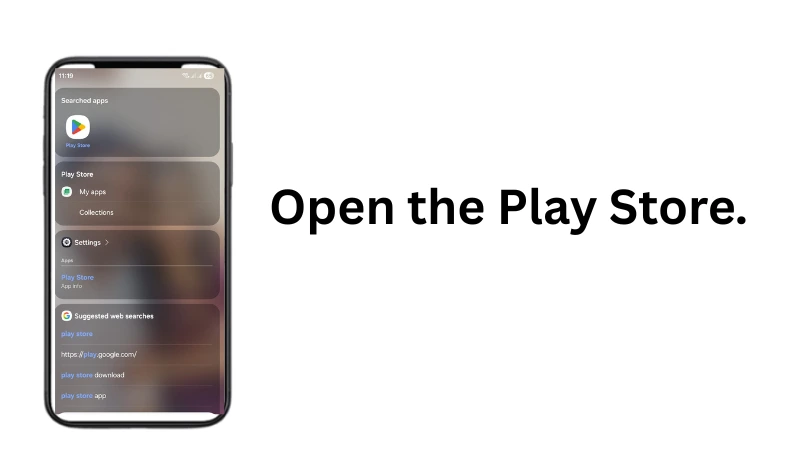
- Search for “mParivahan“
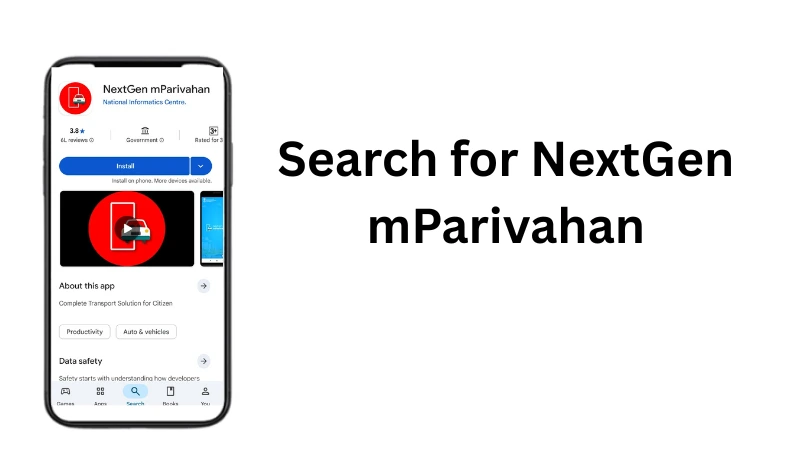
- Check that the developer is NIC eGov
- Then install
iOS (iPhone) Users
- Open Apple App Store
- Search “mParivahan”
- Check if it is an official developer or not
- Then install
How to Register on the mParivahan App
- Open the app
- Choose your language
- Enter your mobile number
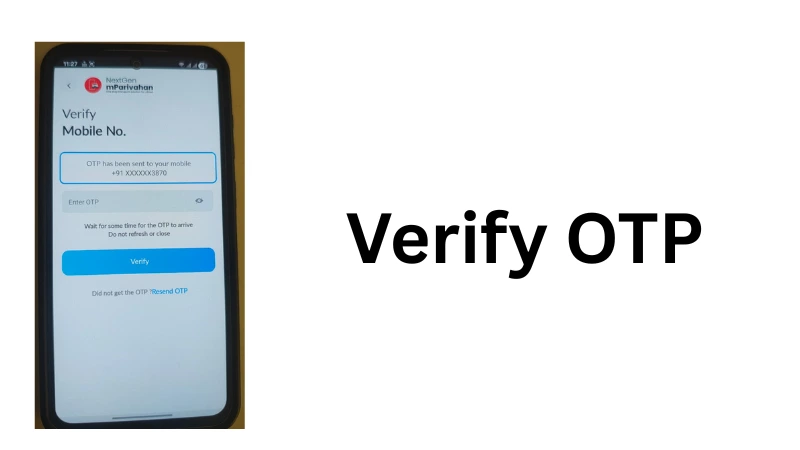
- Verify the OTP that will be sent to your mobile number
- Create a 4-digit PIN
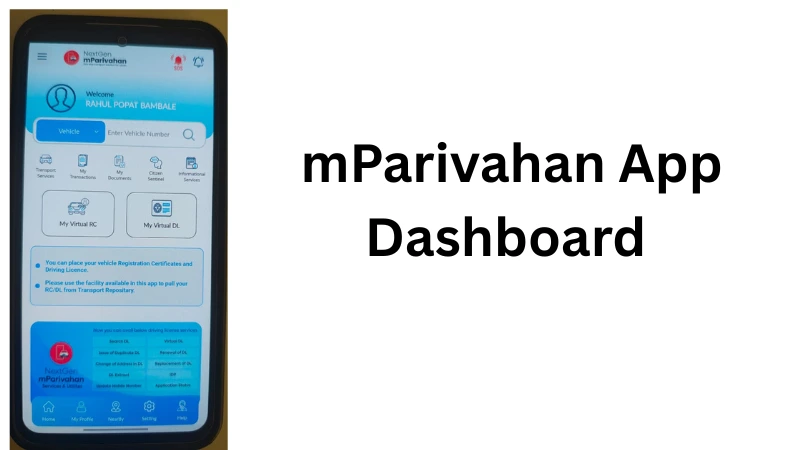
- Then log in anytime by entering your PIN
How to Add Your Driving Licence (DL)
- Open the mParivahan app
- Tap “My DL”
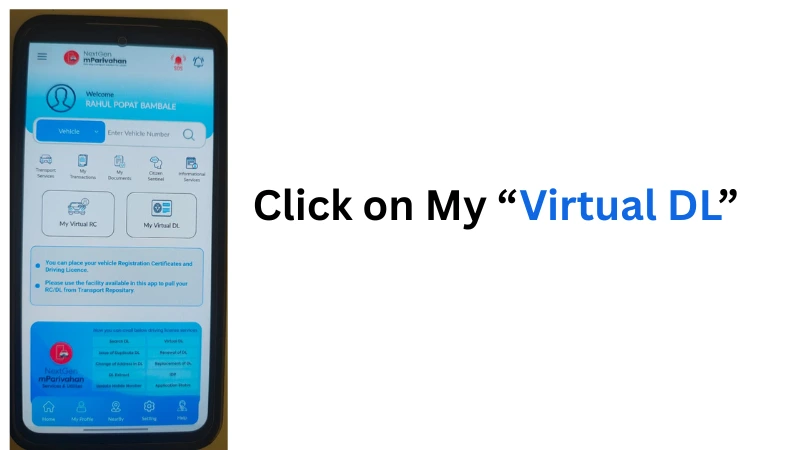
- Enter your driving licence number.
- Enter your date of birth.
- Tap “Get Details”
- If the driving licence appears, click “Add to Dashboard“
How to Add Your Vehicle RC
- Open the mParivahan app
- Go to “My RC”
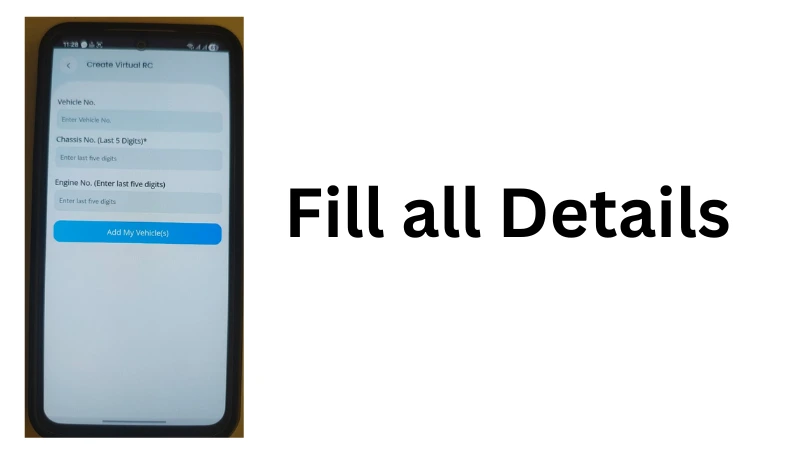
- Enter your vehicle registration number
- Then confirm the engine number and chassis number
- Tap “Add to Dashboard”
How to Verify Any Vehicle on mParivahan
- First download the mParivahan app
- Open the app, select your language, and accept any permissions asked for
- Click on RC Dashboard or RC Details
- Enter your vehicle registration number there
- After that, you will see information like your name, vehicle model, registration date, fuel type, engine and chassis number, insurance status, pollution certificate, vehicle registration number.
- Save the Vehicle to “My Dashboard”
Who Developed the mParivahan App?
mParivahan app is developed by National Informatics Centre (NIC). Therefore, this app is accurate, verified, and legal, so you can use it with confidence. Therefore, this app provides all the information about vehicle registration and driving licence.
Security & Privacy Features in the mParivahan App
- You can login to this app by accessing OTP
- Your documents are encrypted so they stay safe
- Does not share data with third-party websites
- The login mechanism in this app is very secure
Accuracy of Information Provided in the App
Since this is a government app, there are no errors, no outdated records, and no third-party website access, so this application is completely secure to use. The information in this app is 100 percent accurate.
Common Problems & Troubleshooting Tips
- Vehicle details not showing : Sometimes you enter the wrong vehicle registration number, so your data is not showing up, so check it again and try updating your app.
- Digital RC not fetching : Ensure your RTO is integrated with VAHAN.
- Unable to login : This problem can also occur due to a low network connection, so access this app from wherever there is a network.
mParivahan App vs. DigiLocker (Comparison)
| Feature | mParivahan | DigiLocker |
| Digital DL & RC Book | Yes | Yes |
| Vehicle Verification Available | Yes | No |
| Challan Check System | Yes | No |
| Emergency Features | Yes | No |
| RTO Tools | Yes | No |
Frequently Asked Questions (FAQs)
NextGen mParivahan app is an advanced level app, it is made only for iOS users, so the speed of the app increases a lot, the design has also been updated, and security has also been increased.
This app has many features like vehicle owner name, vehicle registration number, registration date, engine and chassis number, insurance validity, fitness certificate status, pollution certificate status. We can check them online.
Open the M Parivahan app and click on Application Status, then enter your application number and registered mobile number there and click on Submit, after which you will see the current status of your application.
Open the app and click on RC Information, then enter the vehicle registration number and click on the submit button and you will immediately get the RC details.
Yes, you can download the virtual RC from the mParivahan app. For this, you have to log in to the app, enter your vehicle registration number, then an OTP will come on your registered mobile number, after which you can download the virtual RC in PDF format on your mobile.
Yes, you can check your driving license online in the app. For this, you will have to enter your driving licence number and date of birth.
Yes, even if you don’t have internet, you can still access your driving licence and RC book saved in the mParivahan app, but if you want live updates, you will need internet.
1 thought on “What is the mParivahan App?”
Comments are closed.