
RC Status Check by Vehicle Number is now easier than ever. With just your vehicle registration number, you can instantly view RC details, ownership information, insurance validity, fitness status, and challan records. You can check the RC status using official government platforms like Parivahan and the mParivahan mobile app.
What is RC Status?
RC Status means Current Vehicle Details. All the information about your vehicle is available in the RTO. The following information is contained in the RC status:
- Vehicle Owner Name
- Vehicle registration number
- Understands vehicle engine and chassis numbers
- Also understands the fuel type of the vehicle.
- Understand insurance validity
- It also understands if there are pending challans on the vehicle
- Fitness & permit status
- Understand the validity of a pollution certificate
- Hypothecation (Loan) details
Why Checking RC Status is Important?
According to my experience, checking the RC status is very important because it contains complete details of the vehicle and also gives information about when to renew the documents required for your vehicle. It also tells you when the pollution certificate is going to expire.
- Buying or selling a used vehicle
- Get information on whose name the vehicle is registered
- Know when the vehicle’s fitness validity is about to expire
- Avoiding fines under MV Act
- If there is any kind of police case pending against the vehicle, its details are known
Is it Safe to Check RC Details Online?
Yes, checking RC status online is safe because government websites are used to check RC status, including portals like mParivahan, Vahan Portal and Parivahan. These websites are owned by the government and are very trusted.
Step-by-Step: RC Status Check by Vehicle Number
You can check RC status in two ways: using the mobile application and using the mParivahan website.
Check RC Status on Parivahan
- Visit the parivahan website

- Click on Vehicle Registration Status
- Enter your vehicle number
- Then fill in the captcha code
- Click “Vahan Search”
- After that, the RC details will appear on the screen.
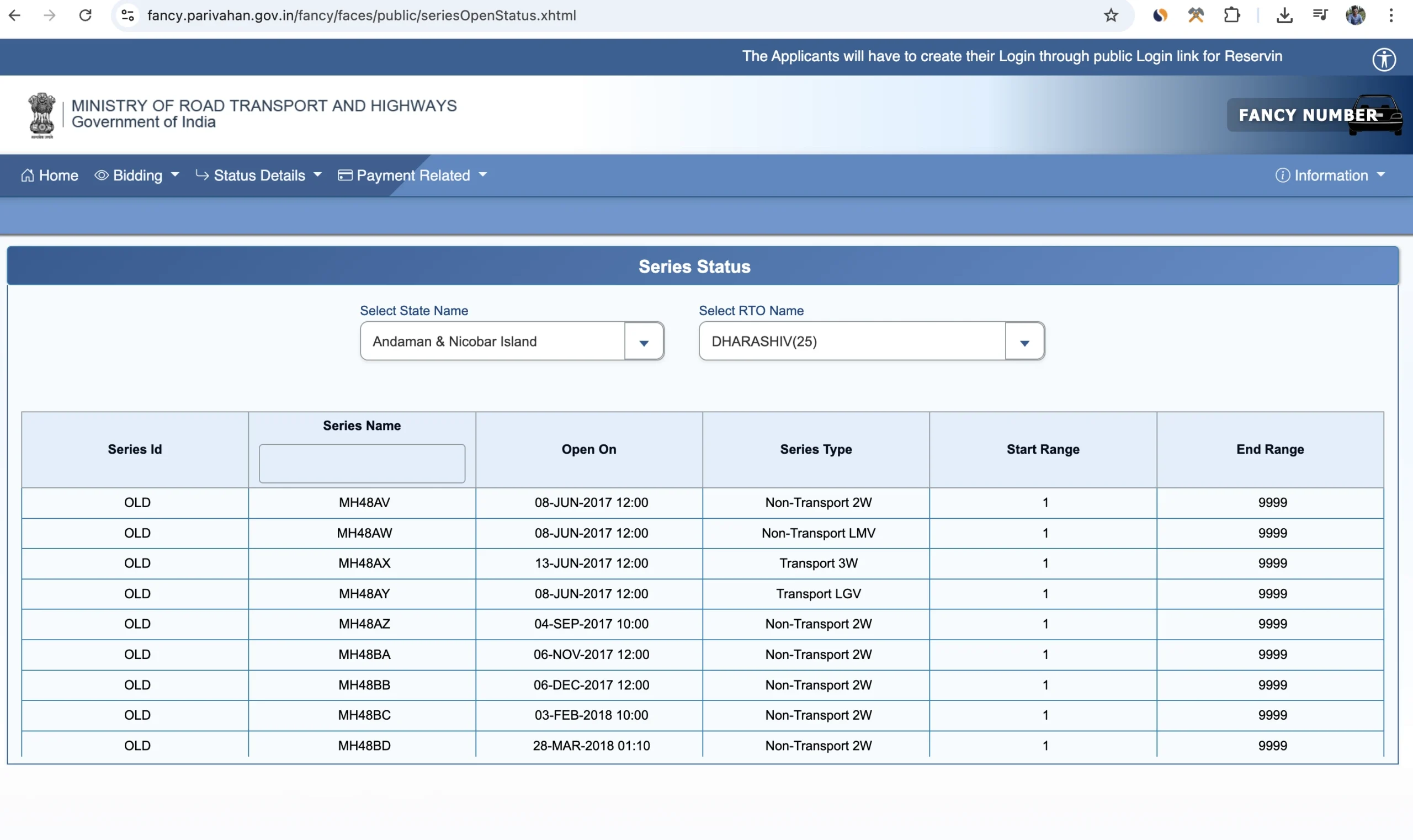
- You will see information on the screen such as the vehicle owner’s name, registration date, insurance expiry, fitness validity.
Check RC Status in mParivahan App
- Download the mParivahan app
- Open the app and click on RC Information
- Enter your vehicle number
- You will then get registration details, insurance details, invoice information
Check RC Status Using DigiLocker
- Download and login to the Digilocker app
- Go to Ministry of Road Transport & Highways
- Select “Registration Certificate”
- Enter the vehicle number and the last number of the chassis
- Then download the digital RC. This RC is valid
Frequently Asked Questions (FAQs)
RC status means that the government database contains all the information about your vehicle, i.e. owner’s name, driving license information, pollution certificate, insurance details, engine number and chassis number of the vehicle. All this information is available in RC status.
You can check the RC status through the parivahan portal or mParivahan app.
Yes, checking RC online is safe. You can check RC status by visiting the government portal online.
Vehicle owner’s name (masked for privacy), Registration date & validity, Fuel type, Chassis & engine number (partially masked), Insurance expiry date, PUC validity, Hypothecation/loan details, Vehicle fitness certificate validity, all this information is available to you in RC status.
Yes, you can check RC status without owner name, you just have to enter the vehicle number.
Sometimes the RC status is not visible due to server issues or even when your RC is under transfer process, the RC status is not visible or even when you have entered the wrong vehicle number.
Yes, you can get a digital RC online with the help of the mParivahan app.